Creating a cozy and functional home workspace is key to staying productive and motivated while working from home. Whether you have a dedicated room or just a small corner, making your workspace inviting and efficient can boost your focus and comfort throughout the day. Here are some practical tips to help you design the perfect home office setup.
Choose the Right Location
Find a Quiet, Well-Lit Spot
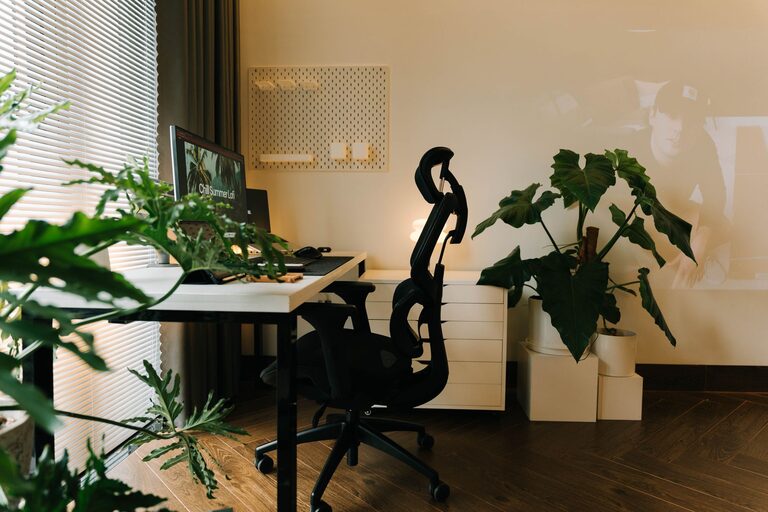
Start by selecting a space in your home where distractions are minimal. Ideally, choose a spot near a window to let in natural light, which can improve mood and productivity. If natural light is limited, invest in quality task lighting that mimics daylight.
Consider Privacy and Noise
If possible, find a room or corner that offers some privacy. If you live with others, using noise-cancelling headphones or a white noise machine can help block out background sounds.
Invest in Comfortable Furniture
Select an Ergonomic Chair
A good chair supports your posture and keeps you comfortable during long working hours. Look for adjustable features like seat height, lumbar support, and armrests to customize your fit.
Opt for a Spacious Desk
Choose a desk with enough surface area to hold your computer, notebook, and other essentials without feeling cluttered. If space is tight, consider a wall-mounted desk or a foldable option.
Organize Your Workspace Efficiently
Use Storage Solutions
Keep your desk tidy with storage solutions like shelves, drawer organizers, or desk organizers. This helps prevent clutter and keeps important items within reach.
Cable Management
Tidy up cords and cables using clips, sleeves, or cable trays. A clean setup not only looks better but also reduces distractions.
Personalize Your Environment
Add Comfortable Touches
Make your workspace feel cozy by adding soft elements such as a small rug, cushions, or a throw blanket. These touches can make a big difference in comfort.
Decorate with Plants and Art
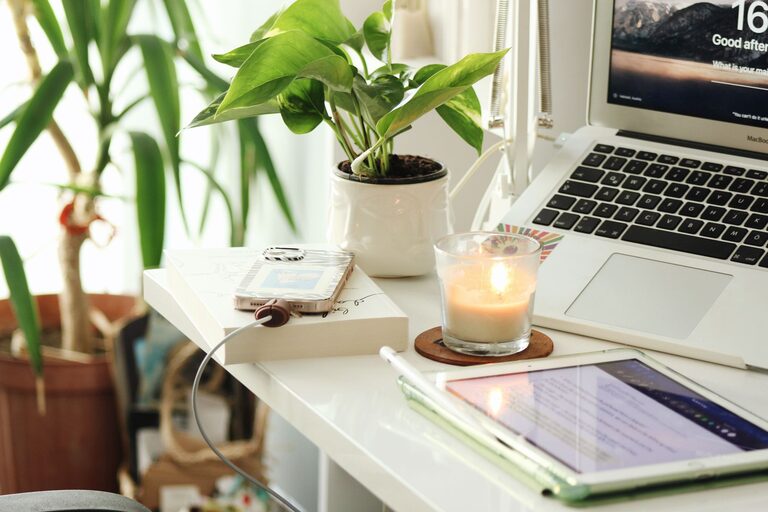
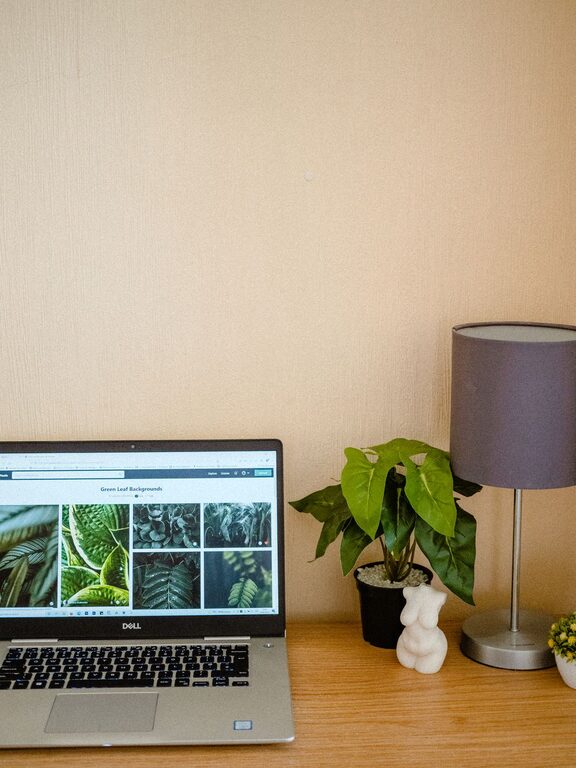
Bringing in greenery can improve air quality and uplift your mood. Adding artwork or photos also personalizes the space and makes it more inspiring.
Manage Lighting Effectively
Balance Natural and Artificial Light
Natural light is ideal, but task lighting is essential for evening work or overcast days. Use adjustable desk lamps with warm bulbs to reduce eye strain.
Avoid Screen Glare
Position your computer screen perpendicular to windows to minimize glare, which can cause headaches and fatigue.
Set Up Technology for Efficiency
Use a Comfortable Keyboard and Mouse
Ergonomic accessories reduce strain on your hands and wrists, helping you stay comfortable over time.
Ensure Reliable Internet and Power Access
Make sure your workspace has strong Wi-Fi and enough outlets for your devices. Using a surge protector can protect your electronics.
Take Breaks and Keep It Balanced
Incorporate Movement
Design your space so you can take standing breaks or stretch easily. A sit-stand desk or a balance board can help if you want to vary your posture.
Create Boundaries
Having a clear start and end to your workday improves focus and helps you unwind. Closing a door or using a screen divider can help separate work from relaxation areas.
Maintain Cleanliness and Air Quality
Keep Your Workspace Clean
Regularly dust and wipe surfaces to maintain a fresh environment, which helps you feel alert and focused.
Improve Air Circulation
If possible, open windows to let in fresh air, or use an air purifier to keep the air clean.
—
By combining comfort with practical design, you can create a home workspace that supports both creativity and productivity. Start with small changes and adjust as you find what works best for your workflow and style. With the right setup, working from home can become an enjoyable and efficient experience.
About the Author