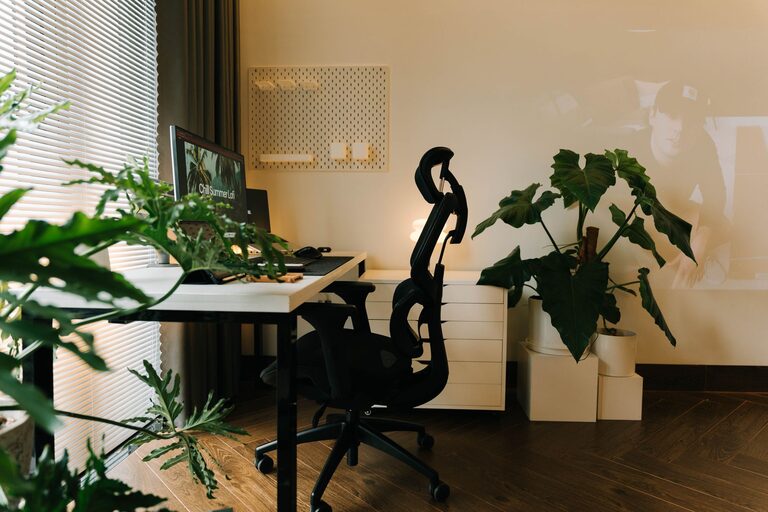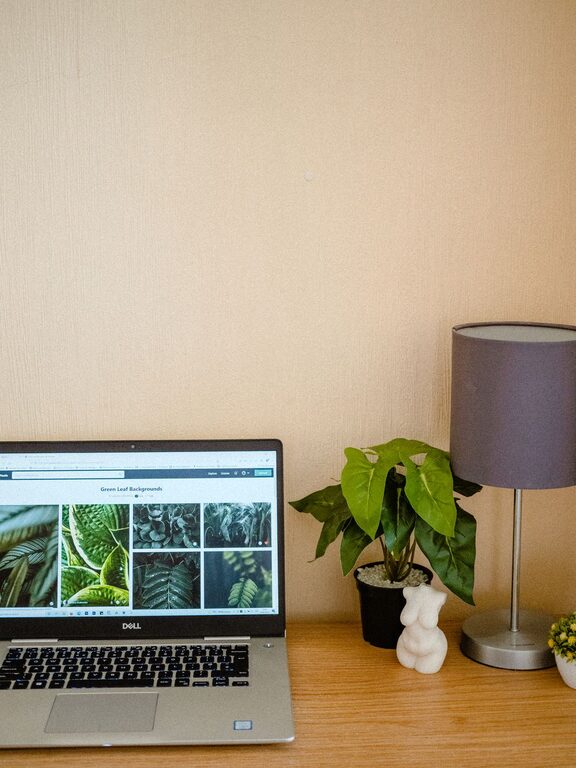
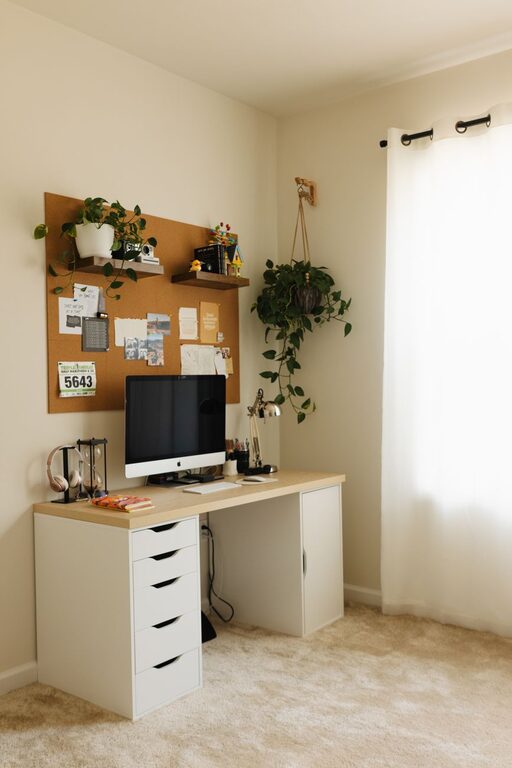
Creating a home workspace that is both cozy and productive is essential for anyone working remotely or managing tasks from home. A comfortable setup can enhance focus, reduce stress, and make your work hours more enjoyable. Whether you have an entire room or just a small corner, these tips will help you craft a space that balances comfort and efficiency.
1. Choose the Right Location
Selecting the best spot for your workspace lays the foundation for success.
– Natural Light: Position your desk near a window if possible. Natural light improves mood and energy, which can boost productivity.
– Quiet Space: Find a relatively quiet area to minimize distractions, especially if you have family or roommates.
– Away from High Traffic: Avoid areas where people frequently pass by to maintain concentration.
2. Invest in Comfortable Furniture
Comfort is key when you spend hours working at your desk.
– Ergonomic Chair: Choose a chair that supports your lower back and encourages good posture.
– Adjustable Desk: Consider a desk that allows you to change height to alternate between sitting and standing.
– Desk Size: Ensure your desk has enough surface area for your computer, notes, and any other essentials without feeling cramped.
3. Organize Your Workspace Effectively
An organized space reduces stress and helps you focus on your tasks.
– Declutter Regularly: Keep only the necessary items on your desk. Put away or donate anything that is not essential.
– Use Storage Solutions: Utilize shelves, drawers, or desk organizers to keep supplies orderly.
– Cable Management: Tidy up cords and cables with clips or cable sleeves to avoid a messy look.
4. Add Personal Touches and Comfort
Making your workspace inviting encourages you to spend time there.
– Decorate Mindfully: Add a few personal items, like photos, plants, or inspiring art, but avoid overcrowding.
– Plants: Indoor plants improve air quality and can elevate your mood and creativity.
– Soft Lighting: In addition to natural light, use lamps with warm tones to create a cozy atmosphere, especially during evenings.
5. Create a Healthy Work Environment
Taking care of your physical and mental health supports productivity.
– Proper Ventilation: Make sure your workspace is well-ventilated to keep the air fresh.
– Take Breaks: Schedule short breaks to stretch and refresh your mind.
– Stay Hydrated: Keep water nearby and drink regularly to maintain energy.
6. Incorporate Productivity Tools
Leverage tools and technology to streamline your work.
– Planner or Calendar: Use a physical planner or digital calendar to schedule your tasks and deadlines.
– Noise-Cancelling Headphones: Help block out distractions for better focus.
– Task Management Apps: Apps like Trello or Asana can organize your to-do lists efficiently.
7. Set Boundaries Between Work and Personal Life
Establish clear lines to maintain balance.
– Designate Work Hours: Set a routine to start and finish work, improving focus and avoiding burnout.
– Separate Workspace: Try to keep your workspace distinct from leisure areas to signal when it’s time to work versus relax.
– Communicate Boundaries: Let family members or roommates know your schedule to minimize interruptions.
8. Adjust and Experiment Over Time
Your ideal workspace may change as your needs evolve.
– Trial and Error: Don’t hesitate to rearrange furniture or change decor if something isn’t working.
– Seek Feedback: If you share your space, get input from others on minimizing distractions.
– Stay Open to Upgrades: Small investments in better equipment or lighting can make a notable difference.
—
Creating a cozy, productive home workspace is about balancing comfort with efficiency. By thoughtfully designing your environment with the tips above, you’ll set yourself up for better focus and enjoyable workdays at home. Remember, the best workspace supports your unique needs and encourages your best work.
About the Author